You start the day with one important task. Then an email arrives, a customer needs an answer, your landing page still needs work, and a promising lead is waiting for follow-up. By the afternoon, you have touched ten different jobs but finished none of them.
That is the daily reality for many first-time and solo founders. You are the strategist, salesperson, project manager, marketer, writer, and support desk at the same time. The problem is not a lack of ambition. It is that one person is trying to keep every business function moving.
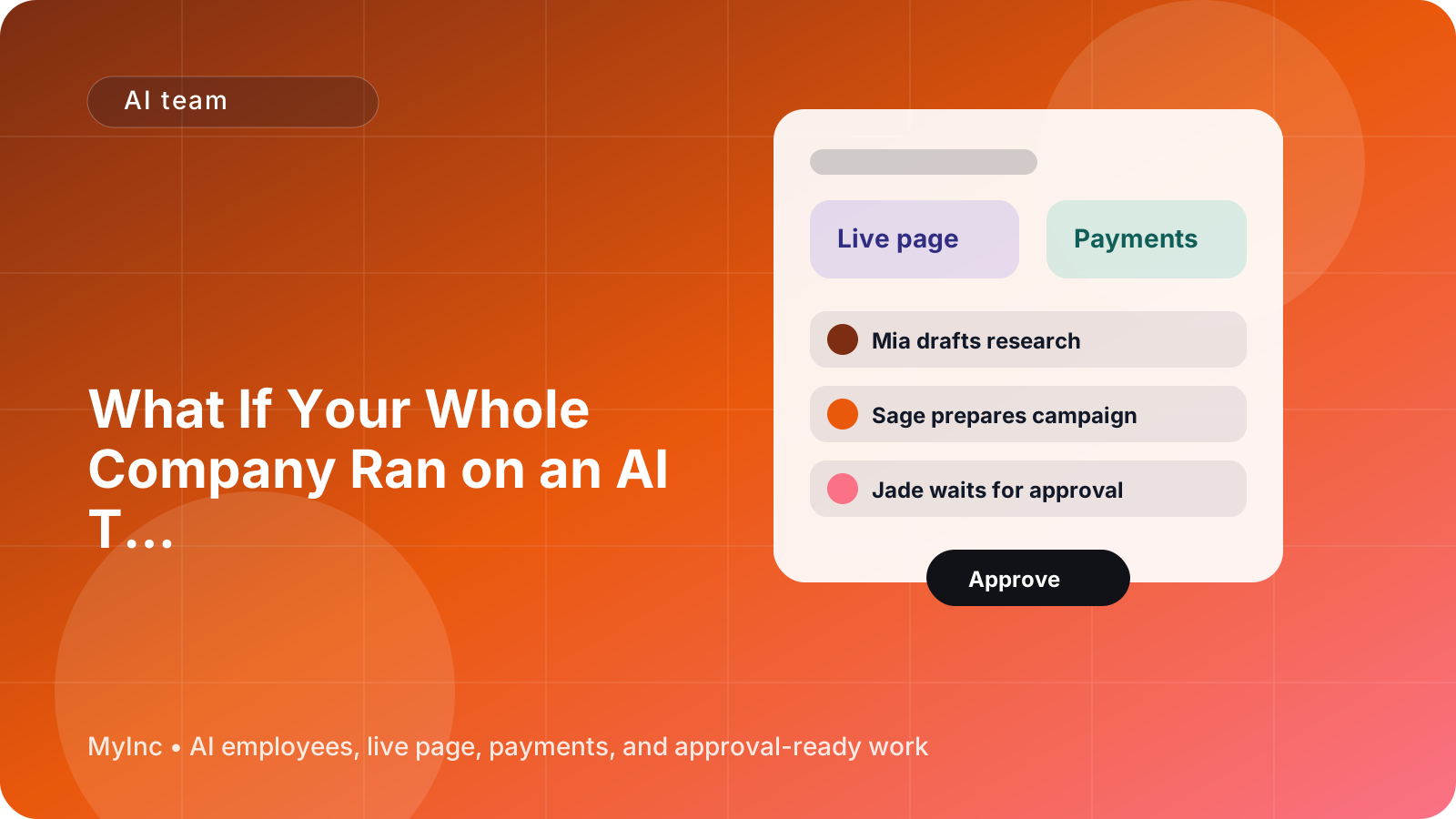
An AI team to run your company can help you change that. Instead of asking one general-purpose chatbot to do random tasks, you can give different AI teammates clear roles, context, and responsibilities. They can prepare real work for your review while you stay in control of what gets approved and sent.
Quick answer
A role-based AI team is a group of AI agents that each supports a specific part of your company. A chief of staff helps organize priorities. A launch teammate prepares launches and campaigns. A marketing teammate helps with positioning and outreach. A social teammate drafts posts. A content teammate turns your knowledge into useful articles, emails, or other materials.
To get started today:
- Write down everything currently competing for your attention.
- Group those tasks into roles such as planning, sales, marketing, content, and customer follow-up.
- Choose one business goal for the next seven days.
- Give your AI teammates the context they need: what you sell, who it is for, your voice, and your deadline.
- Ask them to prepare drafts and a prioritized plan, not to act without review.
- Approve, edit, and send the highest-value work first.
The goal is not to hand your company over to automation. The goal is to stop carrying every task in your head.
What an AI team actually does
If you have never used AI to run a business, think of AI teammates as reliable junior collaborators. They read the information you provide, follow a defined role, create a first version of the work, and wait for your approval before anything important goes out.
They are useful because business work is often repetitive but still requires context. A generic prompt may produce a generic email. An AI teammate that knows your offer, customers, tone, goals, and current projects can prepare something much closer to what you would write yourself.
For example:
- Chief of staff: Turns your notes into a weekly plan, identifies blockers, summarizes open decisions, and keeps priorities visible.
- Launch teammate: Creates a launch checklist, drafts announcements, organizes deadlines, and prepares the page or campaign copy.
- Marketing teammate: Helps clarify your positioning, drafts outreach, suggests partnerships, and repurposes customer insights into campaigns.
- Social teammate: Turns one idea, customer question, or article into a week of platform-specific posts.
- Content teammate: Drafts blog posts, guides, newsletters, case studies, and educational resources based on your expertise.
You still make the decisions. Your AI team simply gives you prepared options instead of a blank page.
A simple workflow you can follow today
1. Capture every open loop
Set a timer for 15 minutes and write down everything you are carrying mentally. Do not organize it yet. Include small tasks and unfinished ideas:
- Reply to three potential clients
- Improve the services page
- Ask a past customer for a testimonial
- Publish this week’s newsletter
- Follow up with a podcast host
- Decide what to launch next month
- Organize onboarding documents
- Post on social media
This list is valuable because it shows the actual shape of your company. It also prevents you from asking an AI teammate to solve a vague problem such as help me grow my business.
2. Sort the list by role
Place each task under a role. You can use five simple categories:
- Plan: priorities, decisions, deadlines, and operations
- Launch: offers, products, events, campaigns, and announcements
- Market: positioning, outreach, partnerships, and lead generation
- Social: short-form ideas, posts, replies, and community engagement
- Content: articles, emails, guides, scripts, and case studies
A service business might put preparing a proposal under marketing, creating a client onboarding checklist under operations, and writing a referral email under content or marketing. A creator might put a workshop announcement under launch and a video outline under content.
The categories do not need to be perfect. They just make your workload easier to delegate.
3. Pick one outcome for the week
A common mistake is asking an AI team to work on everything at once. Choose one measurable outcome instead.
Good examples include:
- Book five qualified calls for a consulting business
- Fill the next cohort of a course
- Publish a new services page and send an announcement
- Re-engage ten former clients
- Create a useful lead magnet and promote it
- Turn one customer success story into a case study and three social posts
Your AI team can help with many tasks, but your attention should stay focused on the result that matters most right now.
4. Give the team useful context
Before requesting drafts, create a short company brief. It can be one page of plain language and should include:
- What your company does
- Who you help
- The problem you solve
- Your main offer and price range, if relevant
- Why customers choose you
- Your preferred tone of voice
- Words or claims to avoid
- Your current goal and deadline
- Links to your page, examples, or previous work
You do not need a perfect brand strategy. A few honest paragraphs are enough to improve the quality of the work. Add customer questions, sales call notes, testimonials, and examples of writing you like as you go.
5. Ask for a complete first draft
Avoid prompts that only ask for ideas when you need finished work. Ask your AI teammate for a specific deliverable, audience, format, and next step.
For example:
We help independent consultants package their expertise into a clear service offer. Our goal this week is to book five discovery calls. Draft a short outreach email for former contacts who know our work but may not know about this offer. Keep it personal, plainspoken, and under 150 words. Include two subject lines and a low-pressure call to action. Do not make claims we cannot prove.
Or:
Turn this customer story into a services-page section, a newsletter introduction, and three social posts. Keep the customer’s result accurate, remove confidential details, and make each version useful rather than overly promotional.
The more specific the request, the less time you will spend fixing a generic answer.
6. Review with a founder’s checklist
AI-generated work should be reviewed before it represents your company. Use this quick checklist:
- Is it factually accurate?
- Does it sound like us?
- Is the audience clear?
- Does it make a specific promise we can keep?
- Is the next step obvious?
- Does it include private or sensitive information?
- Could a real customer misunderstand it?
- What should be removed rather than improved?
Your approval is not a formality. It is how your judgment, experience, and standards make the work useful.
7. Turn one approved piece into more work
Do not start from zero every day. Once you approve a core asset, ask your AI teammates to adapt it.
A new offer page can become a launch email, a direct outreach message, a short social thread, a frequently asked questions section, and a sales call outline. A customer interview can become a case study, newsletter, and set of product improvements. One clear idea can support your company for an entire week.
This is where a role-based AI team becomes more useful than a collection of disconnected prompts. The teammates can work from the same context and move the idea through different parts of the business.
How to keep AI work from becoming more work
Use a few operating rules from the beginning:
- Give each teammate one clear job.
- Start with a small weekly goal.
- Ask for drafts, checklists, and decisions rather than endless brainstorming.
- Keep a single source of truth for your offer, audience, links, and tone.
- Require approval before sending messages or publishing content.
- Save strong outputs as examples for future work.
- Review results weekly and update the brief when your business changes.
The best AI workflow is not the one with the most automation. It is the one that reduces the number of decisions you must make before meaningful work gets done.
Where MyInc.app fits
You can assemble this process from separate tools, documents, and prompts, but that often creates another system for a solo founder to maintain. MyInc.app brings the role-based AI team into one founder-focused platform.
MyInc.app helps solve three common problems:
- You do not know what to work on first. A chief of staff AI teammate can organize your open loops, clarify priorities, and prepare a practical plan.
- Your company looks unfinished while you are busy everywhere else. MyInc.app can help build your live page and prepare the launch, marketing, social, and content work around it.
- You keep postponing outreach and publishing. The AI team can draft emails, campaigns, posts, articles, and follow-ups so you can review and approve them instead of starting from a blank page.
It also gives you a business email and Stripe payments, so the basic pieces of presenting and operating your business can live alongside the work your AI team prepares. You remain the final decision-maker. The team works overnight, creates drafts and organized next steps, and waits for your approval before anything goes out.
FAQ
Do I need to know how to write prompts?
No. Clear business instructions are more important than special prompt formulas. Explain the goal, audience, context, format, deadline, and limits. You can improve the result by showing an example of your own writing or a previous piece you liked.
Can an AI team run my company without me?
No, and that is not the goal. An AI team can prepare plans, drafts, research summaries, checklists, and campaign materials. You still provide judgment, approve important work, speak with customers, and make the decisions that shape the company.
What should I delegate first?
Start with recurring work that matters but keeps getting delayed: weekly planning, follow-up emails, page copy, content repurposing, launch checklists, and social drafts. Choose one workflow, use it for a week, and improve it before adding more.
Start with one week of lighter founder work
You do not need to redesign your entire company to begin. Pick one outcome, write down your context, and ask your AI team to prepare the work needed to reach it. Review the drafts, approve the best version, and learn what should be delegated next.
Ready to stop running your company alone? Start MyInc.app for free and let its AI team take this exact work off your plate. You get a chief of staff plus launch, marketing, social, and content teammates that help build your page, organize the work, draft the deliverables, and wait for your approval.