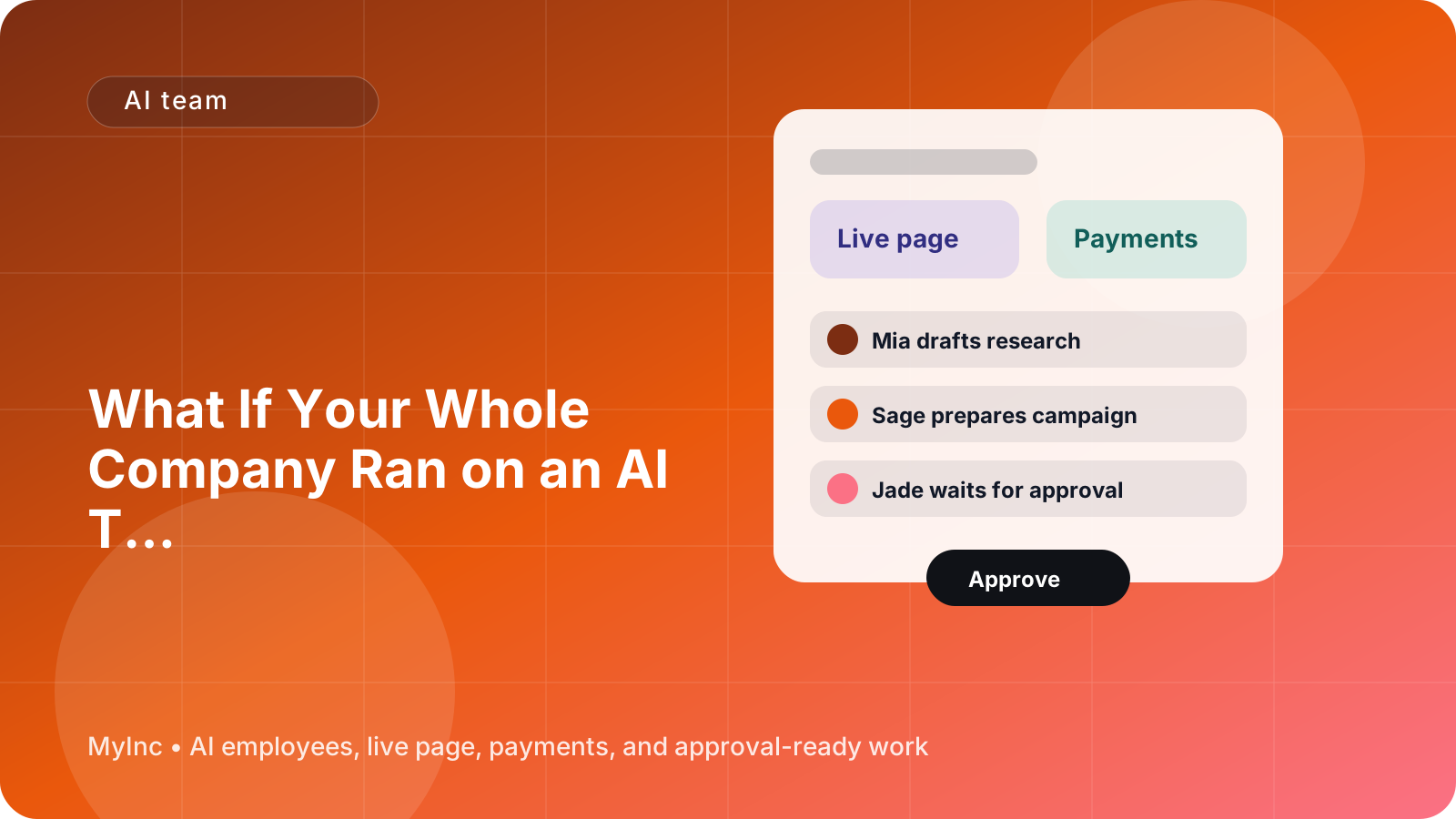
What If Your Whole Company Ran on an AI Team? A Founder’s Guide to Getting Started
You start the day planning to do one important thing. Then your inbox needs a reply, your website needs an update, a prospect asks for a proposal, and you remember that you have not posted anything in two weeks.
By the afternoon, you have touched ten different tasks but finished none of the work that moves the company forward. As a first-time or solo founder, you are not just the CEO. You are also the salesperson, marketer, content writer, project manager, customer support lead, and operations person.
That is why the idea of an AI team to run your company is becoming practical for small businesses. It does not mean handing your company over to a machine. It means giving recurring responsibilities to reliable AI teammates that understand your context, prepare real work, and wait for your approval before anything goes out.
Quick answer
An AI team is a group of specialized AI agents, each with a clear business role. Instead of asking one generic chatbot to do everything, you can use:
- A chief of staff AI teammate to organize priorities, summarize information, and keep work moving.
- A launch AI teammate to prepare offers, announcements, launch plans, and campaign checklists.
- A marketing AI teammate to draft outreach, positioning, email sequences, and customer research.
- A social AI teammate to turn your ideas into platform-ready posts and a consistent publishing plan.
- A content AI teammate to outline and draft articles, guides, newsletters, and other useful resources.
You remain the decision-maker. The AI team prepares the next step, shows you the work, and waits for approval. The goal is not to pretend you have a large company. The goal is to stop carrying every small task in your head.
Why founders feel stretched across every role
Most founders do not have a time problem alone. They have a context-switching problem.
You may spend 20 minutes writing a sales email, then jump to fixing a page, then remember a customer question you meant to answer. Each task is manageable on its own. Together, they create a business that feels busy but disorganized.
Hiring a specialist for every function is usually unrealistic when you are validating an idea or building a small service business. But doing everything manually has a cost too:
- Important follow-ups get forgotten.
- Marketing happens only when you have spare energy.
- Your website and offers become outdated.
- Good ideas stay in notes instead of becoming finished work.
- You spend your best thinking time on formatting, coordination, and repetitive drafts.
A role-based AI team helps by separating the work into understandable responsibilities. You can ask the right teammate for the right kind of help, just as you would in a growing company.
What an AI team actually does
If you have never used AI to run a business, start with a simple mental model: an AI teammate is a fast first-draft partner with a defined job.
It can read the business information you provide, such as your offer, audience, tone, goals, frequently asked questions, and existing materials. It can then use that context to prepare work for you. For example, a marketing AI agent can draft a three-email outreach sequence for a consultant. A content AI agent can turn a founder’s rough notes into a practical article. A launch AI agent can organize the steps for announcing a new coaching package.
The useful part is the combination of role and context. You do not need to explain your entire company from scratch every time. You can give the team a goal, review the result, and ask for changes.
A safe workflow looks like this:
- You describe the goal and any important constraints.
- The appropriate AI teammate researches, organizes, or drafts the work.
- You review the proposed output.
- You approve it, edit it, or ask for another version.
- Only then does it become something you send, publish, or use.
That approval step matters. Your AI team should increase your capacity without removing your judgment.
A practical workflow you can use today
Here is a beginner-friendly way to use an AI team to run your company, even if your business is just getting started.
Step 1: Write down your company context
Create one short reference document with:
- What you sell and who it is for
- The problem your offer solves
- Your prices or typical project scope
- Your preferred tone of voice
- Your current goals
- Your common customer questions
- Words, claims, or promises you want to avoid
Do not try to write a perfect business plan. A clear page of useful facts is enough to help an AI teammate produce better work.
For example, a freelance bookkeeper might write: “I help small professional-service firms keep their books current. My tone is calm and practical. I do not promise to eliminate all financial stress. My current goal is to book five discovery calls this month.”
Step 2: Give your chief of staff a weekly outcome
Avoid asking, “What should I do today?” with no context. Give your chief of staff a specific result, such as:
“This week, I want to book three calls, publish one helpful article, and update my services page. Help me choose the highest-impact tasks and create a daily plan.”
The chief of staff can turn that outcome into a short list, identify dependencies, and flag what only you can decide. It can also help you review what was completed and carry unfinished work into the next day.
Keep the plan small. A solo founder does not need a 40-item productivity system. You need three to five meaningful actions that can actually fit into your week.
Step 3: Ask the marketing teammate to prepare outreach
Give the marketing AI teammate a real situation and a clear audience. For example:
“Draft a friendly outreach email to independent consultants who may need help cleaning up their monthly bookkeeping. Explain the problem, offer a useful next step, and avoid sounding pushy.”
Then ask for two or three variations. Review every factual claim and personalize the final message before sending it.
This works for many businesses:
- A web designer can contact local businesses with slow or confusing websites.
- A career coach can draft an email for people changing industries.
- A software founder can prepare messages for early users who fit a specific use case.
- A photographer can follow up with past clients about seasonal bookings.
The AI teammate handles the blank page and repetition. You supply judgment, relationships, and the final personal touch.
Step 4: Let the content teammate turn one idea into several assets
Choose one question customers ask repeatedly. Ask the content AI agent to turn it into:
- A short article or guide
- A newsletter draft
- Three social posts
- A short answer for your website FAQ
- A call-to-action that points to your offer
For instance, a tax consultant might start with “What records should a new freelancer keep?” A personal trainer might start with “How can a beginner create a realistic weekly routine?” A B2B software founder might start with “When should a small team replace spreadsheets?”
Review the draft for accuracy and make sure it sounds like you. One useful idea can support your marketing for an entire week.
Step 5: Ask the launch teammate to organize your page and offer
Your live page is often the first place a potential customer decides whether to trust you. Ask the launch AI teammate to review or prepare:
- A clear headline
- A simple explanation of who you help
- Your main offer and what is included
- Answers to likely objections
- A strong next step, such as booking a call, joining a waitlist, or buying a service
- A launch checklist with dates and owners
You do not need to launch a complicated product. A new consulting package, workshop, membership, digital guide, local service, or software beta can all benefit from a clear page and a coordinated announcement.
Step 6: Use the social teammate for consistency, not noise
Social media becomes easier when you stop treating every post as a brand-new creative challenge. Give the social AI teammate your article, customer questions, or recent project lessons. Ask it to create a week of posts with different purposes:
- One educational post
- One personal lesson or behind-the-scenes post
- One answer to a customer objection
- One example or case study
- One clear invitation to learn more
You still choose what feels appropriate to publish. The benefit is having useful options ready when you sit down to review them.
A simple approval checklist
Before you approve any AI-generated work, ask:
- Is it accurate and based on something we can support?
- Does it sound like my business rather than a generic company?
- Is the intended audience clear?
- Does it make one useful point instead of five vague ones?
- Is the next step obvious?
- Does it contain sensitive information that should not be shared?
This five-minute review protects your reputation and makes the output better over time.
Common mistakes to avoid
Do not begin by asking an AI team to “run everything.” Start with one recurring bottleneck, such as weekly planning, outreach drafts, or content repurposing.
Do not give vague instructions and expect perfect results. Include the audience, desired outcome, tone, deadline, and examples of what good looks like.
Do not approve every draft without reading it. AI can organize and accelerate work, but you are responsible for the final message, promise, and decision.
Finally, do not create a complicated process before you have a habit. One weekly planning session and one approval block can be enough to see meaningful results.
FAQ
Can an AI team replace my first employees?
It can help you cover important functions before hiring is practical, but it does not replace every human relationship or specialist. Think of an AI team as leverage for planning, drafting, research, and coordination. You still own the strategy and can hire people when the workload or expertise requires it.
Will the AI publish or send things without my permission?
A good founder workflow keeps you in control. AI teammates should prepare drafts and recommendations, then wait for your approval before publishing, sending outreach, changing an offer, or taking another consequential action. Always check the permissions and review process of the tool you use.
What should I give an AI team first?
Start with your offer, target customer, tone, goals, and a few examples of your existing work. Then choose one outcome for the next week. Clear context and a focused goal will produce more useful results than a long, vague instruction.
Let MyInc.app take this work off your plate
The hardest part is often not knowing that you need help. It is having a place where your company context, priorities, drafts, and approvals can stay organized. MyInc.app gives you a role-based AI team built for founder operations: a chief of staff plus launch, marketing, social, and content AI teammates.
MyInc.app’s AI team can help solve specific problems such as:
- Turning scattered priorities into a daily and weekly plan
- Drafting outreach, marketing messages, content, and social posts from your business context
- Preparing your live page, offer details, launch materials, and customer-facing updates in one workflow
The team does the preparation while you make the decisions. It can work overnight, organize the next steps, and bring you useful drafts to review instead of leaving you with another blank page.
Ready to stop running your company alone? Start MyInc.app for free. Let the AI team take this exact planning, outreach, page, and content work off your plate while you stay in control of what goes out.