Every morning, you open your laptop with one important task in mind. By lunchtime, you have answered messages, chased a late reply, fixed a customer issue, reviewed a proposal, and added six new tasks to your list. The important work is still waiting.
That is the daily reality for many solo founders. You are not short on ambition or ideas. You are short on uninterrupted attention. Your business keeps asking questions, and you are the only person available to answer them.
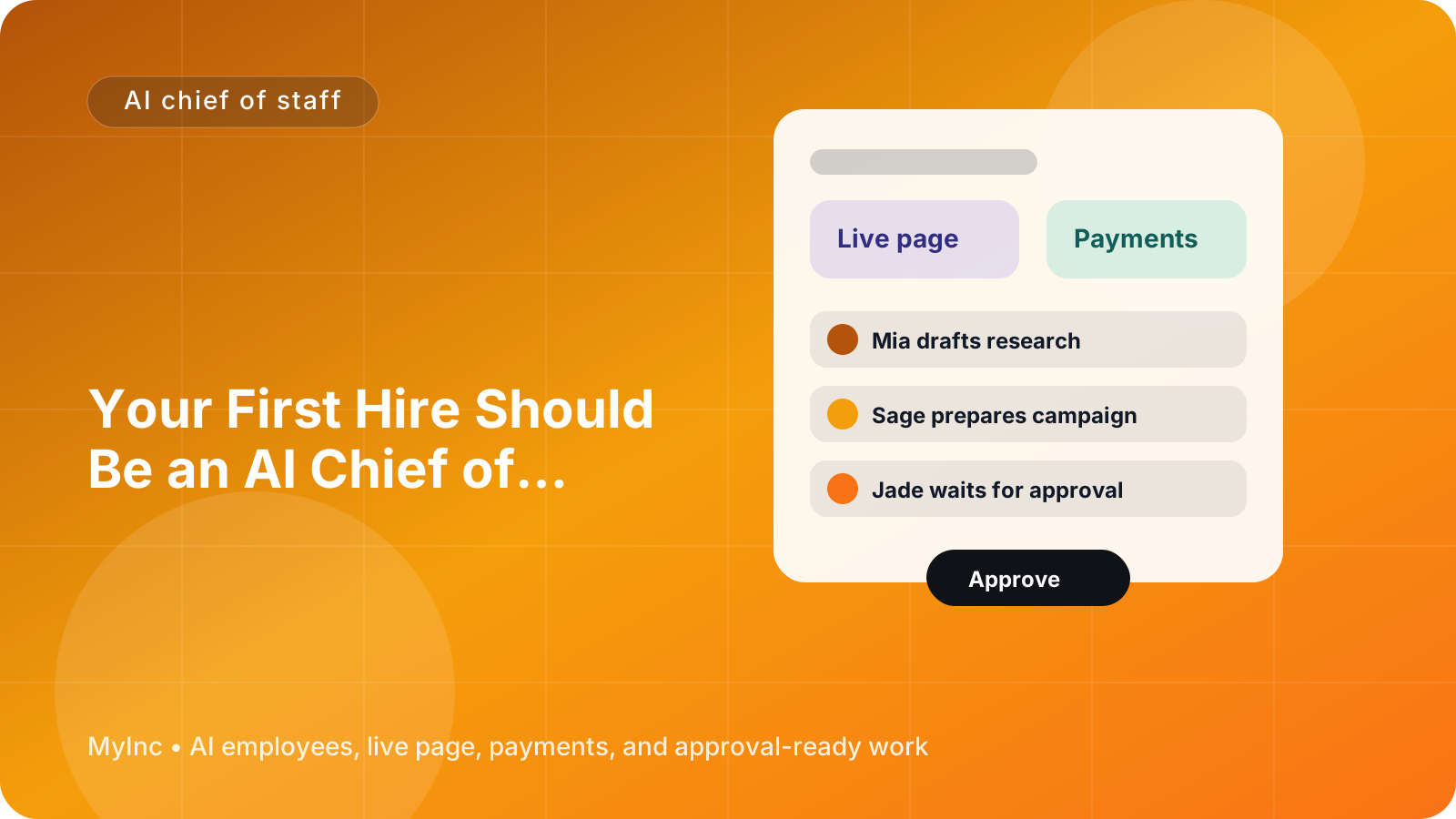
An AI chief of staff for founders can help change that. Think of it as a reliable AI teammate that understands your business context, turns incoming work into an organized plan, prepares drafts and follow-ups, coordinates other AI agents, and waits for your approval before anything goes out.
Quick answer
An AI chief of staff helps a solo founder move from reactive firefighting to a controlled operating rhythm:
- Collect tasks, messages, ideas, and loose commitments in one place.
- Sort them by urgency, business impact, and the founder’s priorities.
- Build a short daily priority queue instead of a giant to-do list.
- Draft follow-up emails, customer replies, briefs, and next steps.
- Coordinate specialized AI teammates for launch, marketing, social, and content work.
- Put completed drafts into one approval queue for the founder to review.
- Send a weekly recap showing progress, open loops, and decisions needed.
The goal is not to hand your business over to automation. The goal is to make sure your limited attention is spent on the decisions only you can make.
Why solo founders get trapped in reactive work
When you run a business alone, every request appears to have the same priority. A prospect asks for pricing. A client needs a revision. A partner is waiting for an answer. Your website needs an update. You have an idea for a new offer. Someone comments on your social post.
If you handle these requests as they arrive, your day becomes a queue controlled by other people. You may be busy all day without moving the business forward.
The problem is usually not a lack of productivity tools. It is a lack of an operating layer between incoming work and your attention. You need someone—or something—that can answer four questions:
- What matters most today?
- What can be prepared without me?
- What is waiting on another person?
- What genuinely requires my approval or judgment?
A chief of staff traditionally helps a leader answer those questions. An AI chief of staff can perform much of the preparation work quickly and consistently, while keeping you in control of final decisions.
What an AI chief of staff actually does
If you have never used AI to run part of your business, start with a simple mental model. Your AI chief of staff is not a magic chatbot and it is not an unsupervised employee. It is a teammate that reads the context you provide, organizes information, drafts real business work, and brings decisions back to you.
It can help with tasks such as:
- Turning a messy list of requests into three priorities for the day
- Summarizing conversations and identifying promised follow-ups
- Drafting a reply to a prospect, client, collaborator, or subscriber
- Creating a brief for a marketing or content task
- Asking another AI teammate to prepare a launch announcement or social posts
- Tracking open loops until they are resolved
- Preparing a weekly report with wins, risks, and next actions
The important control is approval. Your AI team can prepare work, but you decide what gets sent, published, changed, or committed. This makes the system useful even when your business involves sensitive customer relationships or high-stakes decisions.
A practical daily workflow you can start today
You do not need to redesign your entire company to benefit from an AI chief of staff. Try this workflow for one week.
Step 1: Create one capture point
Start by collecting all new work in one place. This might include emails, notes, meeting summaries, customer requests, sales opportunities, and ideas you would normally keep in separate apps or your head.
Do not worry about perfect formatting. A useful note might say:
“Alex from the consulting lead wants a proposal by Thursday. Existing client asked whether we can add a second workshop. Need to publish the case study draft. I promised to introduce Sam to a designer.”
The chief of staff’s first job is to turn that raw information into structured work.
Step 2: Ask for a priority queue, not a long task list
A long list can make you feel organized while still leaving you unsure what to do next. Ask your AI teammate to create a short queue using three categories:
- Must move today: urgent and important work with a real consequence if delayed
- Should move this week: valuable work that does not need attention today
- Waiting or delegate: items that need another person, more information, or an AI teammate
You can also ask it to limit your must-do list to three items. For example:
- Send the proposal to the qualified consulting lead.
- Approve the client workshop scope and reply with the timeline.
- Review the case study draft for accuracy.
Everything else remains visible without competing for your attention.
Step 3: Add the reason behind each priority
A good priority queue should explain itself. Ask for a short reason beside each item, such as “unblocks revenue,” “protects an existing client,” or “supports this month’s launch.” This helps you make better tradeoffs when the day changes.
You can give your AI chief of staff rules like:
- Prioritize work connected to revenue or customer delivery.
- Protect time for the current strategic goal.
- Do not mark something urgent just because someone sent a reminder.
- Flag anything that needs my personal judgment.
- Group similar replies together so I can review them in one session.
These rules become useful business context. Over time, the AI teammate can make recommendations that fit how you actually operate.
Step 4: Turn follow-ups into drafts
Follow-ups are one of the easiest tasks to postpone and one of the most expensive to forget. After a call or conversation, ask your AI chief of staff to prepare:
- A concise recap
- The commitment made by each person
- The next action and due date
- A draft message in your normal tone
- Any question that must be answered before moving forward
For a freelance designer, that might produce a client approval email. For a coach, it might draft a check-in message for a prospective client. For a software founder, it might prepare a product feedback summary and a reply to an early user.
You only need to check whether the draft is accurate, personal, and appropriate. Then approve, edit, or reject it. The point is to remove the blank-page problem and keep relationships moving.
Step 5: Coordinate specialized AI teammates
Your chief of staff should not be expected to do every kind of work itself. Think of it as the coordinator for a small AI team.
For example, you might ask it to:
- Send a launch brief to a launch-focused AI agent
- Ask a marketing AI teammate for three positioning options
- Have a social AI teammate turn a useful insight into a week of posts
- Ask a content AI teammate to outline an article, newsletter, or case study
The chief of staff keeps the work connected to your priorities. It can explain the goal, audience, context, deadline, and required approval. You then review the finished work in one place instead of switching between disconnected tools and prompts.
This works for many business types. A consultant can prepare a workshop promotion. A creator can turn a recorded idea into newsletter and social drafts. A service business can create a referral campaign. A startup founder can coordinate a product update announcement and customer education content.
Step 6: Use a single approval queue
Your approval queue should be the only place you need to decide what goes out. Useful items might include:
- A customer or prospect email
- A website page update
- A payment or offer description
- A launch announcement
- A social post
- A newsletter draft
- A proposed next action from a customer conversation
Review the queue in batches, perhaps once in the morning and once in the afternoon. For each item, choose one action:
- Approve
- Edit and approve
- Send back with a question
- Reject
- Defer until a specific date
Batching approvals protects your focus while preventing work from getting stuck.
The weekly recap that keeps the business honest
A daily plan helps you operate. A weekly recap helps you lead.
At the end of each week, ask your AI chief of staff to summarize:
- What was completed
- What moved revenue, delivery, or customer satisfaction forward
- Which follow-ups are still open
- Which decisions are waiting on you
- What the AI team prepared
- What should be the top three priorities next week
- Any risks, repeated customer questions, or emerging opportunities
Keep the report short enough to read in five minutes. You are looking for patterns, not a transcript of every activity.
For example, the recap might reveal that three prospects asked for the same service package, two client projects are blocked by missing approvals, and your content teammate has prepared four drafts that have not been reviewed. That is far more useful than simply seeing that you were busy.
A simple setup checklist
Use this checklist to create your first AI chief of staff workflow:
- [ ] Write down your top business goal for the next 30 days.
- [ ] Define three rules for how priorities should be chosen.
- [ ] Create one place for new requests, notes, and commitments.
- [ ] Set a daily limit of three must-do priorities.
- [ ] Ask for drafts of every reasonable follow-up.
- [ ] Mark clearly what requires your approval.
- [ ] Delegate repeatable marketing, social, launch, and content preparation.
- [ ] Review one approval queue instead of many scattered drafts.
- [ ] Schedule a weekly recap and next-week planning session.
Start small. The best first use case is usually follow-ups and daily prioritization because the benefit is easy to see within a few days.
FAQ
Is an AI chief of staff only for technology startups?
No. The workflow is useful for any founder who manages competing priorities. Consultants, agencies, creators, coaches, local service businesses, and independent professionals can all use an AI teammate to organize requests, prepare communication, and coordinate marketing work.
Will the AI send messages or publish content without permission?
It should not. A trustworthy setup prepares work and places it in an approval queue. You remain responsible for approving messages, publishing content, changing business information, and making sensitive decisions.
What should I delegate first?
Start with work that is frequent, important, and easy for you to review: daily priority planning, meeting recaps, follow-up drafts, content repurposing, and weekly reports. Keep strategy, relationship-sensitive decisions, and final approvals with yourself.
Let your AI team run the preparation work
The hardest part of being a solo founder is not having too few ideas. It is having too many open loops and no operating layer to manage them. You should not have to remember every promise, rewrite every follow-up from scratch, or coordinate every piece of marketing work manually.
MyInc.app is built for this exact problem. Its AI team includes a chief of staff plus launch, marketing, social, and content AI teammates. They read your business context, organize priorities, draft real work, coordinate tasks, and wait for your approval before anything goes out.
MyInc.app’s AI team can help solve three daily problems:
- Reactive days: turn scattered requests and commitments into a focused daily priority queue.
- Forgotten follow-ups: prepare replies, recaps, and next steps so opportunities and customer relationships do not stall.
- Scattered execution: coordinate launch, marketing, social, and content work into one approval queue instead of multiple disconnected tools.
It also gives you weekly recap reports so you can see what moved forward, what is blocked, and what deserves attention next.
Start MyInc.app for free and let the AI team take this exact work off your plate. You stay in control of the approvals; your AI teammates handle the preparation.