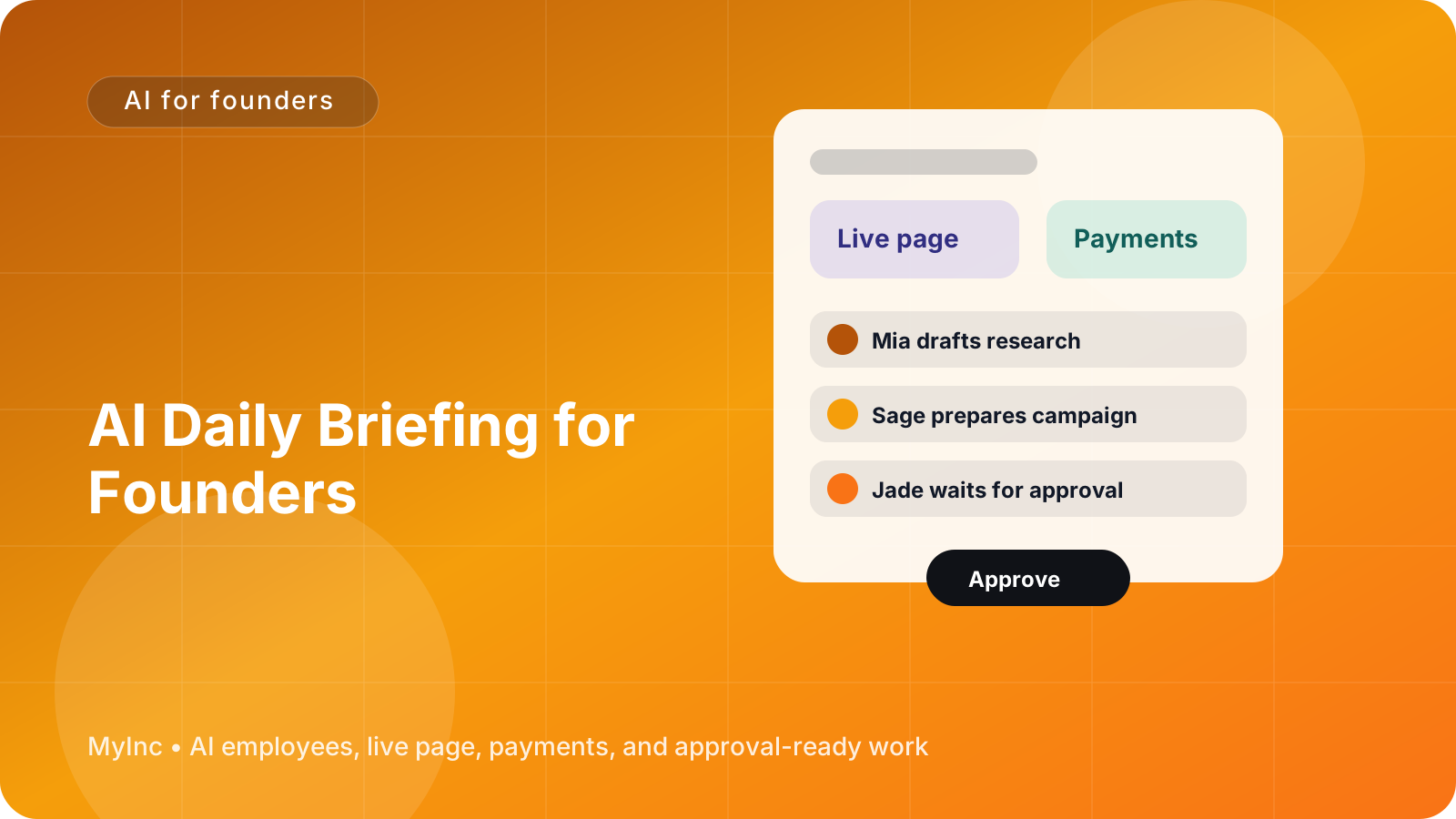
You know the morning routine: open your inbox, check payments, scan your calendar, review messages, look at your website analytics, and try to remember what you promised yesterday. By the time you understand what is happening, half the morning is gone—and you still have not done the work that moves the business forward.
The problem is not a lack of information. It is that your information is scattered across too many places, and nobody is turning it into a useful decision list.
Quick answer
An AI daily briefing for founders gives you a short, practical summary before you start work. It should answer three questions:
- What happened overnight? New leads, payments, replies, sign-ups, errors, and other meaningful changes.
- What needs me? Decisions, approvals, customer responses, deadlines, and problems that cannot move forward without you.
- What is queued next? Work your AI team has prepared or can start once you approve the next step.
You can create this workflow today by gathering your key business signals, asking an AI teammate to summarize them in a fixed format, and requiring it to separate facts from recommendations. The goal is not another dashboard. It is a calm, prioritized starting point for your day.
What a useful founder briefing looks like
A good briefing is not a long report. It is closer to a reliable teammate meeting you at 8:00 a.m. with the important facts already organized.
For example, a consultant might receive:
- Overnight: One new discovery-call request, one client email asking about the project timeline, and a proposal opened twice.
- Needs you: Confirm whether to offer the client a Friday kickoff; approve the follow-up email to the proposal lead.
- Queued: Drafted follow-up email, a suggested project timeline, and three questions for the discovery call.
A creator might see:
- Overnight: The latest video received 12 comments and brought in 18 newsletter sign-ups.
- Needs you: Answer two questions from potential customers and choose whether to promote the video again.
- Queued: Drafted replies, a newsletter mention, and three ideas for the next post.
A small software company might see:
- Overnight: Five new trial accounts, one failed payment, and a support question from a high-value customer.
- Needs you: Review the failed payment situation and approve a response to the customer.
- Queued: A payment reminder draft, a short support reply, and a list of trial users who may need onboarding help.
Notice what these examples have in common: the briefing does not merely report activity. It explains what matters and makes the next action obvious.
The four sections to include every morning
Use the same structure every day. Consistency makes it easier to scan and helps your AI teammate learn what deserves attention.
1. Overnight recap
Start with changes since your last working session. Keep this section factual and selective.
Include items such as:
- New leads, sign-ups, bookings, or sales
- Payments received, failed, refunded, or awaiting action
- Important customer or partner replies
- New tasks, deadlines, or calendar changes
- Website, product, or campaign activity
- Work completed by your AI team
- Anything unusual, blocked, or at risk
Do not ask for every event. A founder does not need a notification for every page visit or automated email. Ask for meaningful changes, and include a comparison when possible: “Three new leads, up from one yesterday.”
2. Needs-you queue
This is the most valuable section. Put anything that requires your judgment, approval, access, or personal relationship here.
Every item should include:
- The decision: What do you need to decide?
- The context: Why does it matter?
- The deadline: When does it become urgent?
- The suggested action: What would the AI teammate do next?
For example:
Approve: Send a follow-up to Jordan about the $2,000 consulting proposal. The proposal was opened twice yesterday, and no reply has arrived in five days. Suggested next step: send a short, helpful check-in today and offer two call times.
This is much easier to act on than “Follow up with Jordan.” It gives you enough context to approve, edit, or reject the recommendation without reopening six tabs.
3. Pending approvals
Keep approvals separate from general tasks. These are pieces of real work that are ready to go but should not be sent or published without you.
Possible approval items include:
- Customer and prospect emails
- Social posts and newsletter drafts
- Landing-page copy
- Refund or payment decisions
- Proposals and estimates
- Calendar or launch plans
- Changes to your live business page
Your AI teammate should show the draft, explain its purpose, and identify the intended audience. You can then approve it, request an edit, or leave a note for the next version.
This approval step matters. An AI team should prepare work and keep momentum, while you retain control over sensitive communication and business decisions.
4. Queued work and next steps
End with work that is ready to begin or already in progress. This helps you see that the business is moving even when you are not personally touching every task.
For each item, show:
- What is being prepared
- Who or what it depends on
- The next step after approval
- The expected result
For example: “Launch teammate drafted a two-email announcement for the new workshop. Waiting for your approval of the price and date. After approval, the content teammate will prepare the page copy and social posts.”
A simple workflow you can set up today
You do not need a complicated automation project. Start with a small daily process and improve it as you learn what is useful.
Step 1: List your daily signals
Write down where important business information currently lives. Include your inbox, calendar, payment processor, website, booking tool, customer support channel, project board, and analytics.
Then mark each source as one of three types:
- Must know: Events that can change your priorities today
- Useful context: Information that helps explain a decision
- Noise: Updates you can safely ignore in a morning briefing
If everything is marked “must know,” narrow the list. A briefing only works when it protects your attention.
Step 2: Define what counts as urgent
Give your AI teammate clear rules. For example:
- Flag a customer issue if it could affect renewal, reputation, or delivery.
- Flag a payment issue if money is blocked or a customer may be confused.
- Flag a lead if there is a clear buying signal or an agreed follow-up date.
- Flag a deadline when missing it could create a client or launch problem.
- Do not flag routine activity unless it changes a trend.
These rules turn a generic summary into a founder briefing.
Step 3: Choose a fixed format
Ask for the same headings every day:
- Overnight recap
- Needs you today
- Pending approvals
- Queued work
- Recommended focus for the next two hours
Ask for no more than three to five items in each section. If something is important but not urgent, place it in a short “Later” note rather than pushing it into the main queue.
Step 4: Separate facts from suggestions
Require labels such as Fact, Risk, and Suggested next step. This prevents an AI teammate's interpretation from being confused with confirmed business information.
For example:
- Fact: A client has not replied to the revised scope sent Monday.
- Risk: The planned start date may slip.
- Suggested next step: Send a brief confirmation email and ask whether the date still works.
This simple distinction makes the briefing easier to trust.
Step 5: Review the briefing in a short time block
Give yourself 10 to 15 minutes to read it before opening other tools. Approve quick items immediately, add notes to anything that needs thought, and choose one meaningful priority for the morning.
Do not turn the briefing into a new inbox. If an item needs deeper work, assign it a next step and a time. The point is to decide what deserves your attention—not to process every piece of information before breakfast.
Step 6: Improve it once a week
At the end of the week, ask:
- Which briefing items helped me make a decision?
- Which alerts were noise?
- What did I repeatedly need but never see?
- Which tasks could an AI teammate prepare automatically?
Remove low-value alerts and add only the information that changes your actions. A useful briefing becomes shorter and more relevant over time.
Common mistakes to avoid
Making the briefing too long. A 40-item report is another tab to manage. Prioritize decisions and exceptions.
Mixing completed work with open decisions. Clearly separate what happened from what needs approval.
Hiding the source or context. Include a link, customer name, date, or relevant amount when it helps you verify the item.
Letting AI send everything automatically. Drafting is useful; uncontrolled sending can create avoidable mistakes. Keep approval gates for customer communication, payments, and public content.
Only reporting problems. Include progress too. Knowing that a page was published, a proposal was drafted, or a campaign is ready gives you confidence that the team is moving forward.
FAQ
What should an AI daily briefing include?
It should include meaningful overnight activity, items that require your decision, pending approvals, queued work, and a short recommendation for where to focus. The exact sources depend on your business, but the format should stay consistent.
Can a briefing work for a service business or creator?
Yes. The briefing is about decisions and work, not products. A consultant can track proposals, client replies, and deadlines. A creator can track audience responses, sponsorship requests, and content approvals. A local business can track bookings, customer questions, payments, and staffing needs.
Should an AI teammate take action without asking me?
Use approval rules. An AI teammate can summarize information, prepare drafts, organize tasks, and suggest next steps. Keep your approval for public posts, important customer messages, refunds, pricing changes, and other actions that affect trust or money.
Start your day with less tab switching
Building this briefing manually can still leave you copying information between tools every morning. You have to remember what happened overnight, find the right context, decide what matters, and then prepare the work yourself.
MyInc.app is designed to handle that founder bottleneck with an AI team. Its chief of staff can organize your business context, while launch, marketing, social, and content AI teammates prepare practical work for your review.
MyInc.app’s AI team can help solve specific problems such as:
- Scattered overnight updates: Turn important activity across your business into a clear recap instead of making you check a dozen tabs.
- An unclear needs-you queue: Surface decisions, deadlines, customer issues, and payment-related items that require your judgment.
- Work that stalls while waiting for you: Prepare emails, page updates, launch materials, social posts, and next-step plans as drafts, then wait for your approval.
Ready to stop running your company alone? MyInc.app gives you an AI team — a chief of staff plus launch, marketing, and content teammates — that builds your page, drafts the work, and waits for your approval. Start MyInc.app for free and let the AI team take this exact morning briefing work off your plate.