You have the idea. You may even have the name, a rough offer, and a list of people who might buy it. But the launch keeps getting pushed back because the setup feels bigger than the business itself.
You need a page. A professional email address. A way to collect payment. Copy that explains what you do. Maybe a contact form, a launch message, and a simple plan for telling people about it. When you are doing all of that alone, a small business can feel like a full-time operations project before you have made your first sale.
The good news: you do not need a perfect brand or a complicated website to launch. You need a clear first offer, a trustworthy place for people to learn about it, and a simple way to say yes and pay.
Quick answer
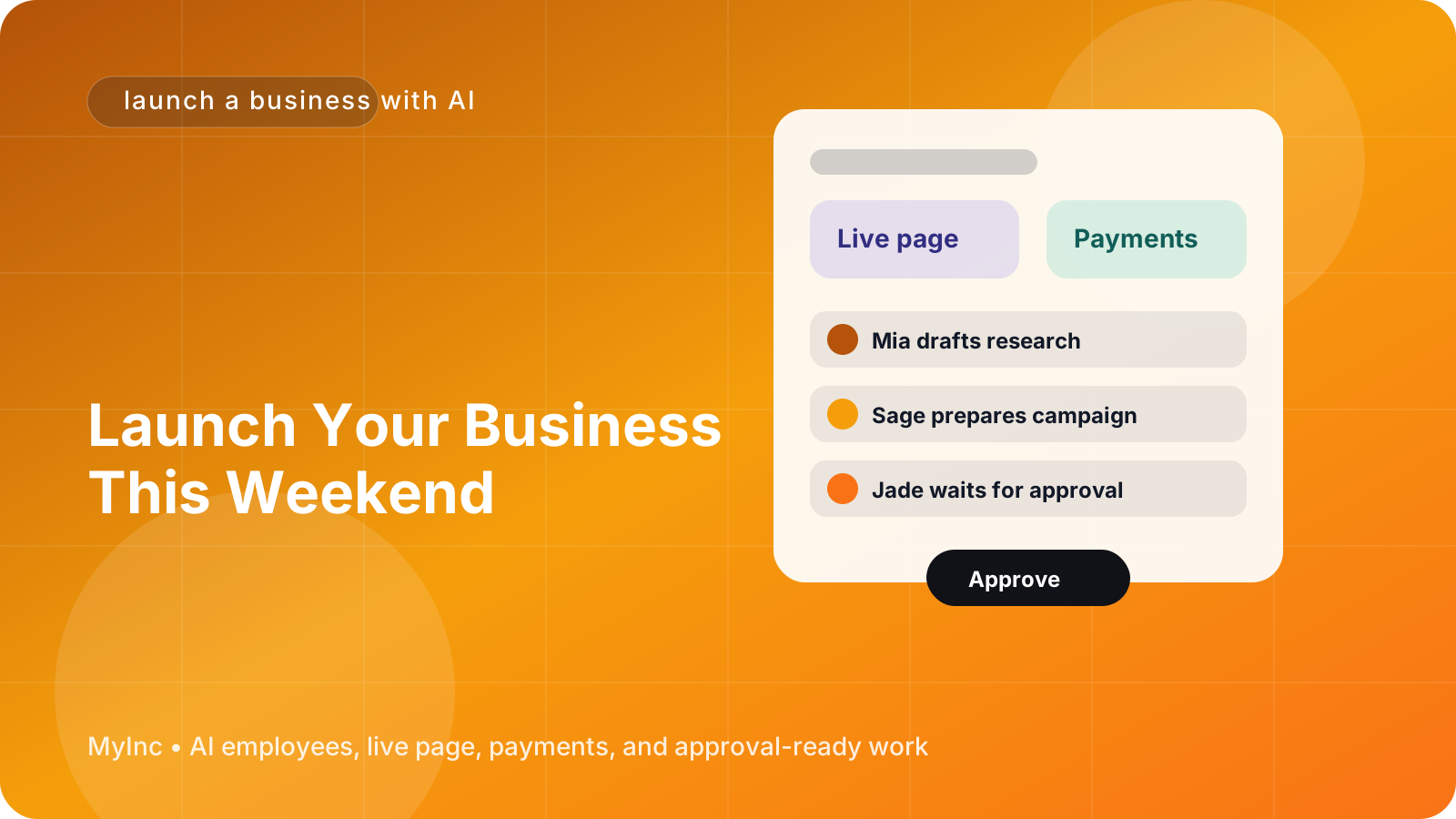
To launch a business with AI this weekend, give an AI team your idea, audience, offer, pricing, and preferred tone. Ask the team to prepare:
- A simple live business page
- A professional business email
- A first offer and landing-page copy
- A Stripe checkout or payment link
- A short launch announcement and follow-up message
Review each piece, correct anything that is wrong, and approve only what is ready. The AI team handles the repetitive setup and drafting; you provide the judgment, experience, and final approval.
What you actually need for a first launch
Many founders stall because they think launching requires a full website, a logo system, ten pages of content, social accounts, and a polished product suite. It usually does not.
For a useful first version, focus on five things:
- A specific customer: Who is this for right now?
- A specific problem: What frustrating or expensive problem do you solve?
- A specific offer: What does the customer receive, and how does it work?
- A simple page: Can a visitor understand the offer and next step in under a minute?
- A payment path: Can someone buy, book, or request the service without a long conversation?
For example, a freelance designer might launch a fixed-price landing-page audit. A consultant might offer a 90-minute operations session. A creator might sell a small workshop or paid template. A local service business might start with a consultation request and deposit payment.
The first version should make a real transaction possible. You can improve the branding, add features, and expand the offer after you have feedback.
Your weekend launch plan
Friday evening: define the offer
Start with a one-page brief. Do not worry about writing polished copy. Answer these questions in plain language:
- What are you offering?
- Who is it for?
- What outcome does it help create?
- What is included?
- What is not included?
- What will it cost?
- When can the customer expect delivery?
- What should the customer do next?
Here is a useful format:
I help [specific type of customer] achieve [specific outcome] through [your product or service]. They receive [deliverables] within [timeframe] for [price].
Example:
I help independent consultants turn a rough service idea into a clear, client-ready offer. They receive a 60-minute strategy call and a written offer page within three business days for $250.
Give this brief to your AI team and ask it to identify unclear claims, suggest three offer names, draft a short description, and point out any information a customer would still need before buying. This is a better starting point than asking an AI agent to invent an entire business without context.
Saturday morning: generate the page
Ask your AI teammate to turn the brief into a focused business page. A first page can include:
- A headline that says who you help and what result you provide
- A short explanation of the problem
- What the customer gets
- How the process works
- A price or starting price
- Answers to two or three likely objections
- A clear button such as “Buy now,” “Book a call,” or “Request a quote”
- Your business email for questions
Ask for two versions of the headline: one direct and one more conversational. Then choose the version that sounds most like you. AI can create options quickly, but you know whether the promise is accurate and whether the tone fits your customers.
Review the page using the five-second test: if a stranger sees only the headline and first paragraph, will they know what you sell, who it is for, and what to do next?
Do not approve vague copy such as “unlock your potential” unless it is followed by concrete details. Specific language builds trust. “Get a 30-minute bookkeeping cleanup plan for your consulting business” is easier to understand than “Transform your financial future.”
Saturday afternoon: set up your business email
A business email gives new customers a clear, trustworthy way to contact you. It also keeps customer conversations separate from personal messages.
Choose a simple address that matches your role or company, such as hello@yourbusiness.com, support@yourbusiness.com, or yourname@yourbusiness.com. Ask your AI teammate to draft:
- An automatic first response that confirms the message was received
- A short welcome reply for new inquiries
- Answers to common questions about price, timing, and next steps
- A professional signature with your page link
Read every message before using it. Make sure the tone sounds human and that it does not promise a response time you cannot meet. You can also ask the AI agent to create a short inbox triage guide: urgent requests, sales questions, support questions, and messages that need your personal response.
Saturday evening: connect payments
A checkout turns interest into a measurable action. For a product, workshop, consultation, or fixed-price service, create one clear Stripe payment option rather than sending every visitor into a complicated sales process.
Before approving the checkout, confirm:
- The product or service name is accurate
- The price and currency are correct
- The payment description matches the page
- The customer knows what happens after payment
- You have stated the delivery timeframe
- The receipt or confirmation message has useful next steps
- You have tested the checkout yourself
For a service business, the next step might be a scheduling link or an intake form. For a creator, it might be access instructions for a workshop. For a consultant, it might be a short questionnaire. Ask your AI team to draft the confirmation email for each case.
Never skip the test purchase or preview. Check the customer experience from the buyer's point of view, including the mobile version and the confirmation email.
Sunday: review, announce, and improve
By Sunday morning, ask your AI team to review the full journey as if it were a first-time visitor:
- Find the page.
- Understand the offer.
- Decide whether it is relevant.
- Click the call to action.
- Pay or submit a request.
- Understand what happens next.
Ask the AI agent to list every confusing step, missing detail, or unnecessary question. Fix the highest-impact issues first. A missing price or unclear delivery date matters more than a slightly imperfect headline.
Then prepare a small launch set:
- One personal announcement for people who already know you
- One short social post explaining the problem and offer
- One email to relevant contacts or past clients
- One follow-up message for people who show interest but do not buy
Keep the announcement simple. Explain what you are offering, who it helps, why you created it, and where people can learn more. You do not need to pretend that this is a huge company launch. A clear, honest note often works better.
Prompts you can use today
Give your AI team enough context, then ask for a specific deliverable. Try these prompts:
- “Using this offer brief, draft a one-page site for [audience]. Keep the language specific and avoid unsupported claims.”
- “Create three versions of the first offer: a low-risk starter option, a standard option, and a premium option. Explain the tradeoffs.”
- “Review this page as a skeptical customer. List the five questions that could stop someone from buying.”
- “Draft a Stripe checkout description and a post-payment email that explains exactly what happens next.”
- “Write a launch email in a friendly, direct tone. Include one clear call to action and do not use hype.”
The best workflow is draft, review, revise, approve. Treat an AI teammate like a reliable helper who can read your context and prepare real work, not like an oracle whose first answer is automatically correct.
A simple approval checklist
Before you publish, confirm:
- [ ] The customer and problem are obvious
- [ ] The offer can be explained in one sentence
- [ ] The price, scope, and delivery timing are accurate
- [ ] The page has one primary call to action
- [ ] The business email is live and tested
- [ ] The Stripe checkout has been tested
- [ ] The confirmation message tells the buyer what happens next
- [ ] The copy sounds like your business
- [ ] You have approved every public-facing claim
This approach lets you launch a real version without pretending it is finished forever. Your first launch is a starting point for learning. Watch what people ask, where they hesitate, and which words they repeat. Feed that information back to your AI team and improve the page, offer, and follow-up messages.
FAQ
Can an AI team launch my business without me?
No, and it should not. An AI team can prepare the page, email drafts, offer copy, checkout details, and launch messages, but you should supply the business context and approve anything public. Your judgment is important for accuracy, pricing, customer promises, and legal or financial decisions.
Do I need a finished product before I launch?
Not always. You need a clearly defined offer and an honest explanation of what the customer will receive and when. A service, consultation, workshop, pre-order, or small digital product can be a valid first launch. Do not take payment for something you cannot deliver, and state the timing clearly.
What if I am not good at writing or technology?
That is exactly where an AI team can help. Start with rough notes and answer questions in your own words. Your AI teammates can turn that context into page copy, email drafts, checkout descriptions, and launch messages. You still review the work, but you do not have to begin with a blank page or learn every setup tool first.
Launch with an AI team, not another weekend of setup
The hardest part of launching is often not the idea. It is the pile of small tasks between the idea and a customer who can understand it, contact you, and pay you.
MyInc.app is built to take on that pile. Its AI team can help solve three common launch problems: turning rough notes into a clear live business page, setting up a professional business email and useful response drafts, and preparing Stripe payments with the first offer and customer follow-up copy. The team prepares the work and waits for your approval before it goes out, so you stay in control.
Start MyInc.app for free and let the AI team take this exact work off your plate. Get your page, email, offer, and payment path ready this weekend instead of letting setup keep your business idea stuck in draft mode.