Every day, you probably start with good intentions: answer a few important emails, follow up with a prospect, publish something useful, update your offer, and make progress on the work only you can do.
Then the small tasks take over. You rewrite a message for the third time. You turn a rough idea into a social post. You remember a customer follow-up just before bed. By the end of the day, you are still the person doing nearly everything.
That is the frustrating part of using AI as a founder. You want help, but you do not want to give an AI a blank check. You know your customers, your voice, and your standards. You want control without carrying every task from idea to finished draft.
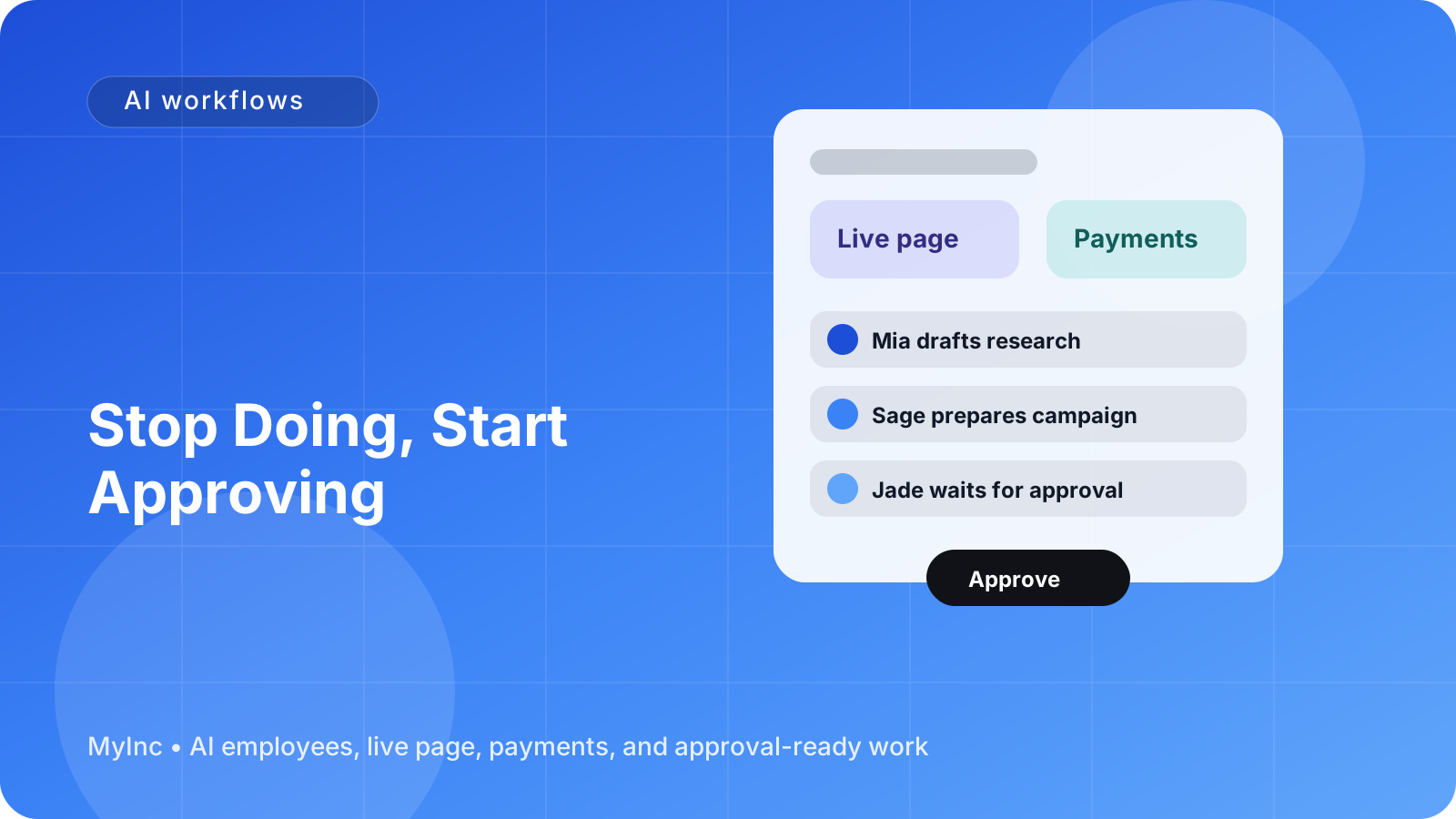
The answer is an AI approval workflow for founders: your AI team prepares the work, you review it, and nothing external is sent or published until you approve it.
Quick answer
A founder-friendly AI workflow has four stages:
- Brief: Give your AI teammate the goal, audience, context, and constraints.
- Draft: Let the AI team prepare the email, post, page update, proposal, or campaign.
- Review: You check the work for accuracy, judgment, tone, and business fit.
- Approve or revise: Approve the final version, or give feedback so the next draft is better.
The key change is simple: stop being the person who does every first draft. Become the person who makes the important decisions.
Why approval is better than full automation
Full automation sounds attractive until you imagine an inaccurate promise going to a customer, a post that does not sound like you, or a sales email sent to the wrong person. For many founders, the problem is not that AI cannot produce work. It is that the founder does not trust unsupervised work yet.
An approval gate solves that trust problem.
Your AI teammate can handle the time-consuming preparation:
- Turn a rough idea into three possible announcements.
- Draft a thoughtful reply to a customer question.
- Create a first version of a service proposal.
- Summarize feedback and suggest what to change.
- Prepare a week of social posts from one piece of long-form content.
- Organize launch tasks and identify what is blocked.
You still decide what is true, what matters, and what represents your company. The AI does not replace your judgment. It gives you something useful to judge instead of an empty document.
What an AI team actually does
If you have never used AI to run a business, think of an AI team as a group of reliable teammates who work from shared context.
A teammate can read your business description, offers, audience, notes, and previous feedback. It can use that context to draft real work instead of generic suggestions. It can also prepare several options when the right answer depends on your preference.
The most important rule is that the teammate waits for your approval before anything goes outward. No customer email, public post, campaign, or page change should ship simply because a draft exists.
This creates a useful division of labor:
- AI teammates handle preparation and repetition.
- You handle priorities, relationships, and final decisions.
That division works for a solo consultant, a small agency, an indie hacker, a creator, a local service business, or a founder building a new product.
The draft-then-approve loop
Here is a practical workflow you can use today.
Step 1: Choose one recurring task
Do not begin by trying to hand over your whole company. Pick one task you repeat every week and that has a clear definition of done.
Good starting points include:
- Drafting follow-up emails after discovery calls.
- Turning customer questions into help content.
- Preparing a weekly progress update.
- Writing posts that promote a new service or product.
- Creating a first draft of a proposal or project brief.
- Summarizing leads, requests, and next steps.
Choose a task where a first draft would save you time, even if you still want to edit it.
Step 2: Write a simple brief
AI works better with direction than with a vague request such as write a marketing email. Your brief does not need to be complicated. Include:
- Goal: What should this work achieve?
- Audience: Who will read or use it?
- Context: What happened before this task?
- Offer: What are you asking people to do?
- Tone: How should it sound?
- Limits: What must it avoid or never claim?
- Approval rule: What must wait for your review?
For example:
Draft a follow-up email for a consultant who spoke with a small business owner about improving their monthly reporting. Keep it helpful and specific. Mention the two problems discussed, suggest a next step, and do not promise a result or include pricing unless I provide it. Prepare the draft for my approval; do not send it.
This is enough context for a useful first pass.
Step 3: Ask for options, not just one answer
When you are still learning what works, ask your AI teammate for two or three versions. You might request a direct version, a warmer version, and a shorter version.
Options make review easier because you can identify what you like. Perhaps one has the right structure, another has the right tone, and a third has the best call to action. Your feedback can then be precise: use the structure from version one, the opening from version two, and remove the urgency from both.
Step 4: Review for the things only you know
Do not spend your review time correcting every comma first. Start with the decisions that protect your reputation and improve the result.
Ask:
- Is every claim accurate?
- Does this sound like my company?
- Is the audience clear?
- Is the next step easy to understand?
- Does this make a promise we cannot keep?
- Is the timing and recipient correct?
- Would I be comfortable seeing this publicly?
You can edit directly, or give the AI teammate a short instruction such as, make this less salesy, remove the unsupported result, and make the next step a 20-minute call.
Step 5: Approve explicitly
Create a clear distinction between a draft and an approved asset. Use a simple label such as Needs review, Approved, or Do not send.
Nothing outbound should move forward until you have approved it. That includes customer emails, newsletters, social posts, launch announcements, proposals, and changes to public-facing pages.
This small rule lets you move faster without feeling like control has disappeared.
Use overnight work without losing control
The biggest benefit is not that an AI teammate can respond instantly while you watch. It is that the team can prepare work while you are doing something else.
Before you finish for the day, leave a short list:
- Draft a response to these three open inquiries.
- Turn today’s customer notes into a help article.
- Prepare five posts for next week’s product update.
- Review the launch checklist and identify missing tasks.
- Create a first draft of the proposal using the approved scope.
The AI team works through the preparation overnight. In the morning, you review a queue of concrete drafts and recommendations instead of starting with a blank page.
You may approve one item immediately, revise another, and reject a third. That is still control. The difference is that your working hours are spent on judgment rather than formatting, copying, and starting from scratch.
Teach the AI team through feedback
Your first drafts will not always be right. That is normal. The workflow improves when your feedback is specific and reusable.
Instead of saying, this is not quite right, try:
- Use shorter sentences and fewer adjectives.
- Lead with the customer problem, not our company history.
- We sound practical, not overly enthusiastic.
- Never describe a feature as automatic unless it truly is.
- Include one concrete example for service businesses.
- End with a low-pressure invitation to reply.
Keep a short list of these preferences. Over time, your AI teammates can apply them before you review the next draft. You are not merely approving work; you are teaching the system how your business makes decisions.
A founder approval checklist
Before approving any AI-prepared work, run this quick checklist:
- Truth: Are the facts, names, dates, and promises correct?
- Relevance: Is this meant for this particular audience?
- Voice: Does it sound like us rather than like generic AI?
- Value: Does it help, clarify, or move a real business goal forward?
- Risk: Could it create confusion, a bad expectation, or a privacy issue?
- Action: Is the next step clear?
- Permission: Am I approving this exact version for this exact channel?
If the answer is yes, approve it. If not, send it back with one or two clear changes. Avoid rewriting everything yourself unless the draft reveals that the brief or task is wrong.
Common mistakes to avoid
Trying to automate everything at once. Start with one repeatable workflow and learn from it.
Giving no context. The more your teammate understands about the customer and goal, the less generic the draft will be.
Approving based on speed alone. Fast work is not useful if it is inaccurate or aimed at the wrong person.
Editing silently. If you always fix the same issue yourself, tell the AI teammate the rule so future drafts improve.
Treating a draft as a decision. A draft is preparation. Your approval is the decision.
FAQ
Will I lose my voice if AI writes the first draft?
Not if you keep the approval gate and give useful context. Provide examples of your writing, explain words or claims you avoid, and tell the AI teammate what good work looks like. You remain the final editor and decision-maker.
What should AI never send without approval?
Anything external should wait unless you have deliberately created and tested a narrow automation. Customer messages, public posts, sales promises, pricing, contracts, launch announcements, and sensitive information all deserve a human approval step.
How much time does this workflow save?
It depends on your business and task, but the biggest saving usually comes from removing the blank-page problem. Reviewing a solid draft can take minutes; creating the research, structure, wording, and formatting from scratch can take an hour or more.
Let your AI team prepare the work
The approve-don’t-do workflow solves three daily founder problems: it reduces the time spent starting from a blank page, keeps outbound work behind a clear approval gate, and turns your feedback into better future drafts. It also gives you an overnight work cycle, so you can begin the day with prepared work instead of another empty task list.
That is what MyInc.app is built to provide. MyInc.app gives you an AI team with a chief of staff plus launch, marketing, social, and content teammates. They can build your live page, prepare business work, and draft the messages and content you need while you stay in control of what gets approved.
Ready to stop running your company alone? Start MyInc.app for free and let the AI team take this exact work off your plate: preparing drafts overnight, organizing the next steps, and waiting for your approval before anything goes out.