You have a service, idea, or skill people might pay for. But when it is time to actually collect money, the business suddenly feels much more complicated.
You may be wondering what to charge, what to write on the checkout page, whether Stripe is configured correctly, and what customers should receive after they pay. A task that should take an afternoon turns into a week of tabs, tutorials, and second-guessing.
The good news is that you do not need a perfect business to accept your first payment. You need one clear offer, a working payment flow, and a simple way to confirm what happens next.
Quick answer
An AI team can help you set up online payments with AI by turning your idea into a specific first offer, recommending a simple price, preparing Stripe setup instructions and checkout copy, drafting a payment confirmation email, and giving you a checklist to review before going live.
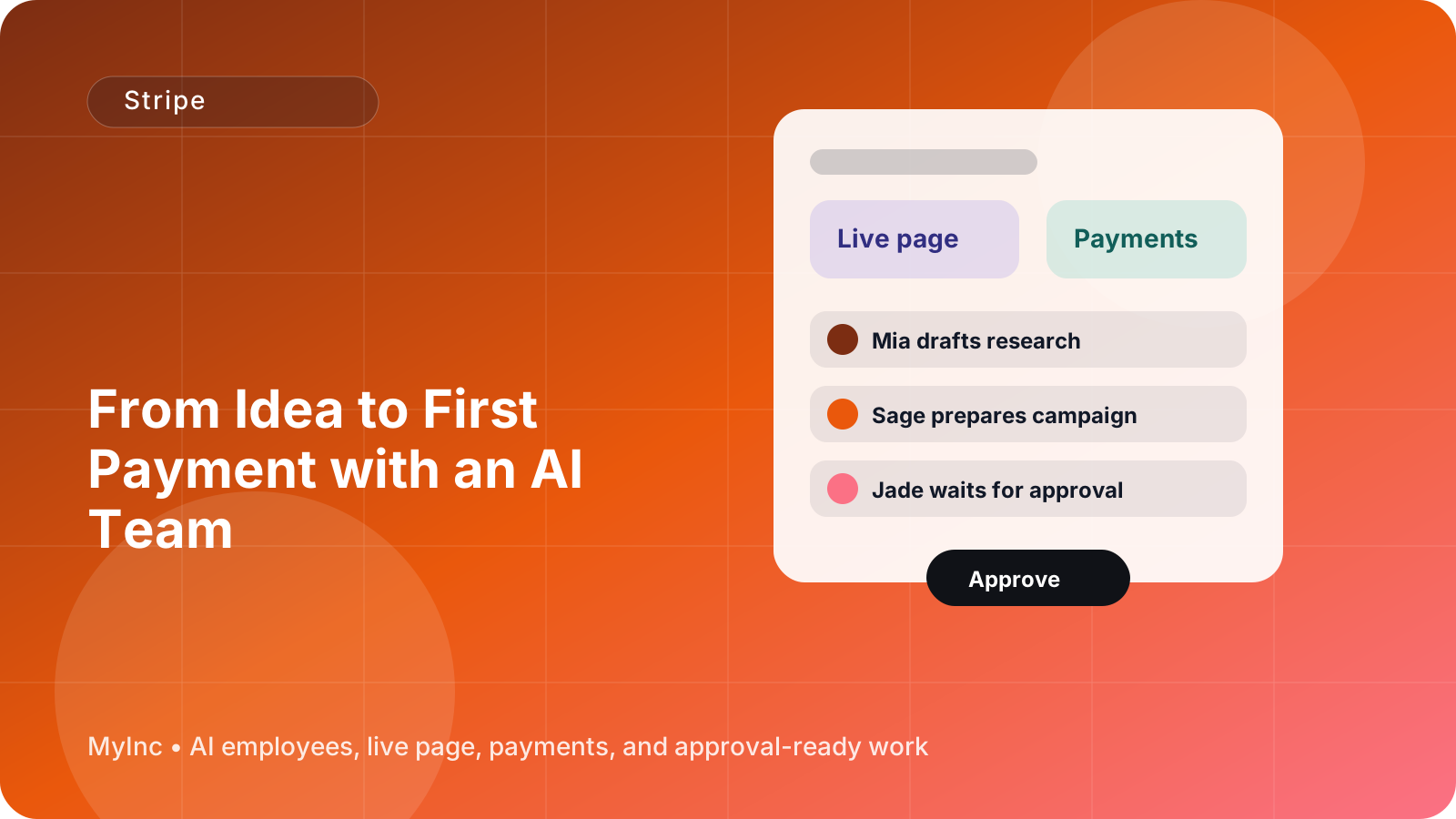
The AI team should not silently publish or charge customers on your behalf. Instead, reliable AI teammates read your business context, prepare the real work, and wait for your approval before anything goes out. You stay in control while avoiding the blank page and technical confusion.
Start with one easy-to-buy offer
Many first-time founders begin with too many choices. They create several packages, add custom options, and try to serve every possible customer. That makes payment setup harder because nobody knows exactly what they are buying.
For your first payment, choose one offer that is easy to describe in a sentence.
Use this formula:
I help [specific customer] achieve [specific result] through [clear service or product].
Examples:
- I help independent consultants turn their expertise into a one-page service offer.
- I help local fitness coaches create a four-week beginner training plan.
- I help small agencies review their website and identify their next five marketing improvements.
- I help creators plan and edit three short videos for their next launch.
- I help new founders prepare a simple customer interview and positioning plan.
Your first offer does not need to be your final business model. It is a practical starting point that lets you learn what customers value and gives you a reason to begin a sales conversation.
Ask an AI teammate to turn your rough idea into three versions:
- A one-sentence description.
- A short paragraph explaining the outcome and what is included.
- A list of what the customer receives, including timing and delivery method.
Then choose the version that a customer could understand without a call or a long explanation.
Pick a price without getting stuck
Pricing can feel personal, especially when you are selling a service for the first time. You may worry that the price is too high, too low, or impossible to justify.
Do not ask AI to discover a magical price. Ask it to help you make a clear pricing decision based on your constraints.
Give your AI teammate information such as:
- How long the work takes you.
- Whether the work is one-time or recurring.
- The customer you are targeting.
- The result or deliverable.
- Your experience level.
- Any tools, costs, or subcontractors involved.
- The number of customers you can handle this month.
Ask for three reasonable options: a starter price, a standard price, and a higher-touch version. Compare the scope of each option, not just the number.
For a first offer, a fixed price is often easier than an open-ended hourly arrangement. Customers know what they will pay, and you know what you are responsible for delivering. If the work is recurring, explain the billing frequency clearly and say how the customer can cancel.
Before you publish, make sure the offer answers four basic questions:
- What exactly am I buying?
- What do I receive?
- When will I receive it?
- What happens after I pay?
If any answer is unclear, the offer is not ready for checkout yet.
A beginner-friendly Stripe setup workflow
Stripe is a payment platform that can process card payments and send money to your bank account. The account setup involves business details, identity verification, payout information, and product or payment configuration. Requirements can vary by location and business type, so always review Stripe instructions for your region.
An AI team can make the process easier by preparing the decisions and copy around Stripe. It cannot replace your identity verification, bank connection, or responsibility for reviewing account settings.
Follow this workflow today.
Step 1: Gather your business details
Prepare the information you are likely to need:
- Your legal name or business name.
- Business address and country.
- Contact email.
- Bank account for payouts.
- A short description of what you sell.
- Customer support or refund contact details.
- Your expected price and billing model.
Ask your AI chief of staff to turn this into a Stripe setup checklist. This prevents you from repeatedly stopping to search for information.
Step 2: Create or connect your Stripe account
Open Stripe directly and create an account or connect your existing one. Complete the requested verification and payout information. Do not share passwords, secret keys, or private banking details in an AI chat.
Your AI teammate can tell you what to look for, explain unfamiliar terms in plain language, and record which setup steps are complete. You should personally review sensitive account details and approve every connection.
Step 3: Define the product or service
Inside Stripe, create the product or payment item that matches your offer. Use a name a customer will recognize, not an internal project name.
For example, use Website Clarity Review instead of Project 03. Add the price, currency, and whether the charge is one-time or recurring. If it is a subscription, make the billing interval obvious.
Have your AI marketing teammate draft:
- The checkout title.
- A concise description.
- What is included.
- Expected delivery timing.
- Refund or cancellation language.
- A support contact.
Keep the checkout description shorter than the full sales page. A customer who has reached checkout should not have to read your entire origin story.
Step 4: Prepare the checkout link
For a first offer, a Stripe Payment Link can be a simple way to accept payment without building a full website. Your AI team can prepare the link structure, the text around it, and the places where it should appear, such as your live page, email signature, social profile, or proposal.
Before sharing the link, test the complete customer journey:
- The link opens on a phone.
- The offer name and price are correct.
- The currency is correct.
- The payment method works in your target market.
- Required customer information is sensible.
- The confirmation page explains the next step.
- The receipt or confirmation email is understandable.
Use Stripe test mode when appropriate, then complete a real review before accepting live payments. Never assume a link works because it looks correct in your dashboard.
Step 5: Write the payment confirmation
A payment is not the end of the customer experience. It is the moment the customer needs reassurance that they made a good decision.
Ask your AI content teammate to draft a confirmation message that includes:
- A thank-you.
- Confirmation of what was purchased.
- The expected delivery date or next step.
- A scheduling link, intake form, or instructions if needed.
- Your support email.
- What the customer should do if they made a mistake.
For example:
Thanks for booking the Website Clarity Review. Your payment is confirmed. Please reply to this email with your current website URL and complete the short intake form here. I will send your review within five business days. If you have questions, contact hello@example.com.
A clear confirmation reduces support questions and makes a new business look more established, even if you are still serving your first few customers.
The approval-first AI team workflow
Here is a simple way to work with AI without handing over control.
1. Give the team context
Share your audience, offer idea, preferred tone, price range, delivery capacity, and any limits. The better the context, the more useful the drafts will be.
2. Ask for a payment-ready package
Request one document containing the offer summary, pricing options, Stripe setup checklist, checkout copy, confirmation email, refund language, and launch checklist.
3. Review for truth and risk
Check every claim, promise, deadline, price, tax statement, refund term, and customer instruction. AI can produce confident wording that is wrong for your business. You are the final decision-maker.
4. Make the technical changes
Complete Stripe verification, connect your bank, create the product, and generate the payment link. Your AI team can guide you, but sensitive access and financial decisions should remain with you.
5. Test before sharing
Read the page as a customer. Click the link. Check the price. Test the confirmation. Ask a friend to try the flow on a phone if possible.
6. Launch to a small audience
Send the offer to a few relevant people instead of announcing it everywhere. Their questions will show you what to clarify. Update the copy, then expand your reach.
First-payment checklist
Use this checklist before you send your link:
- [ ] The offer solves one clear problem.
- [ ] The customer and result are specific.
- [ ] The price and billing frequency are visible.
- [ ] The delivery timeline is realistic.
- [ ] Stripe verification is complete.
- [ ] Your payout bank account is connected.
- [ ] The product or service name is customer-friendly.
- [ ] The checkout link works on mobile.
- [ ] The confirmation message explains the next step.
- [ ] Refund, cancellation, and support details are clear.
- [ ] You have personally approved every public detail.
Common mistakes to avoid
Do not wait for a complete brand, a large audience, or a perfect website before accepting payment. Those things can improve later.
Do not hide important terms in vague language. If delivery takes seven days, say seven days. If a subscription renews monthly, say monthly.
Do not create a custom checkout process before you have validated the offer. A simple payment link is often enough for your first few customers.
Finally, do not let AI invent guarantees, testimonials, certifications, or financial claims. Use it to organize and draft your work, then verify everything yourself.
FAQ
Can an AI team create my Stripe account for me?
An AI team can guide you through Stripe setup, prepare your product details and copy, organize the required checklist, and help you troubleshoot confusing steps. You should create or connect the account, complete identity verification, enter bank details, and approve sensitive changes yourself.
Do I need a website to take my first payment?
No. Depending on your offer, a Stripe Payment Link and a clear explanation may be enough to start. A live page can add context and trust, but you do not need a large website before validating a simple offer.
What should I sell first if I am unsure?
Start with a small, clearly defined result that matches a skill you already have. A paid consultation, audit, setup service, workshop, template, or short project can all work. Ask an AI teammate to compare ideas based on customer urgency, your ability to deliver, and how quickly you can complete the work.
Let your AI team handle the payment preparation
Getting paid online involves more than connecting a card processor. You need to decide what to sell, explain the value, set a price, prepare the checkout, and reassure the customer afterward. Those small tasks are easy to postpone when you are doing everything alone.
MyInc.app gives you an AI team built for this exact work: a chief of staff plus launch, marketing, social, and content AI teammates. They can help you solve three common problems:
- Turning a rough idea into a specific first offer with clear pricing and customer-friendly copy.
- Organizing Stripe setup, product details, checkout link content, and a pre-launch testing checklist.
- Drafting payment confirmations, delivery instructions, support language, and the messages you need to share your offer.
The team reads your business context, prepares practical work, and waits for your approval before anything goes out. You stay in control of the account, the money, and the final decision while avoiding the blank page.
Ready to stop running your first launch alone? Start MyInc.app for free and let the AI team take this exact work off your plate.