You have a service, idea, or skill people might pay for. But turning that idea into a real payment feels surprisingly difficult.
What should you sell first? How much should it cost? Which Stripe settings matter? What should the checkout page say? And what happens after someone pays?
These questions can keep a founder stuck for days. You do not need a perfect business infrastructure to make your first sale. You need one clear offer, a safe way to collect payment, and a simple confirmation process.
An AI team can help you move from idea to ready-to-sell without guessing your way through every step.
Quick answer
To set up online payments with AI, give your AI team the context for your business, customer, and first offer. Ask it to:
- Recommend a simple first offer and price.
- Draft the offer and checkout copy.
- Prepare the Stripe product, price, and payment-link details.
- Write payment confirmation and next-step messages.
- Check the customer journey from payment to delivery.
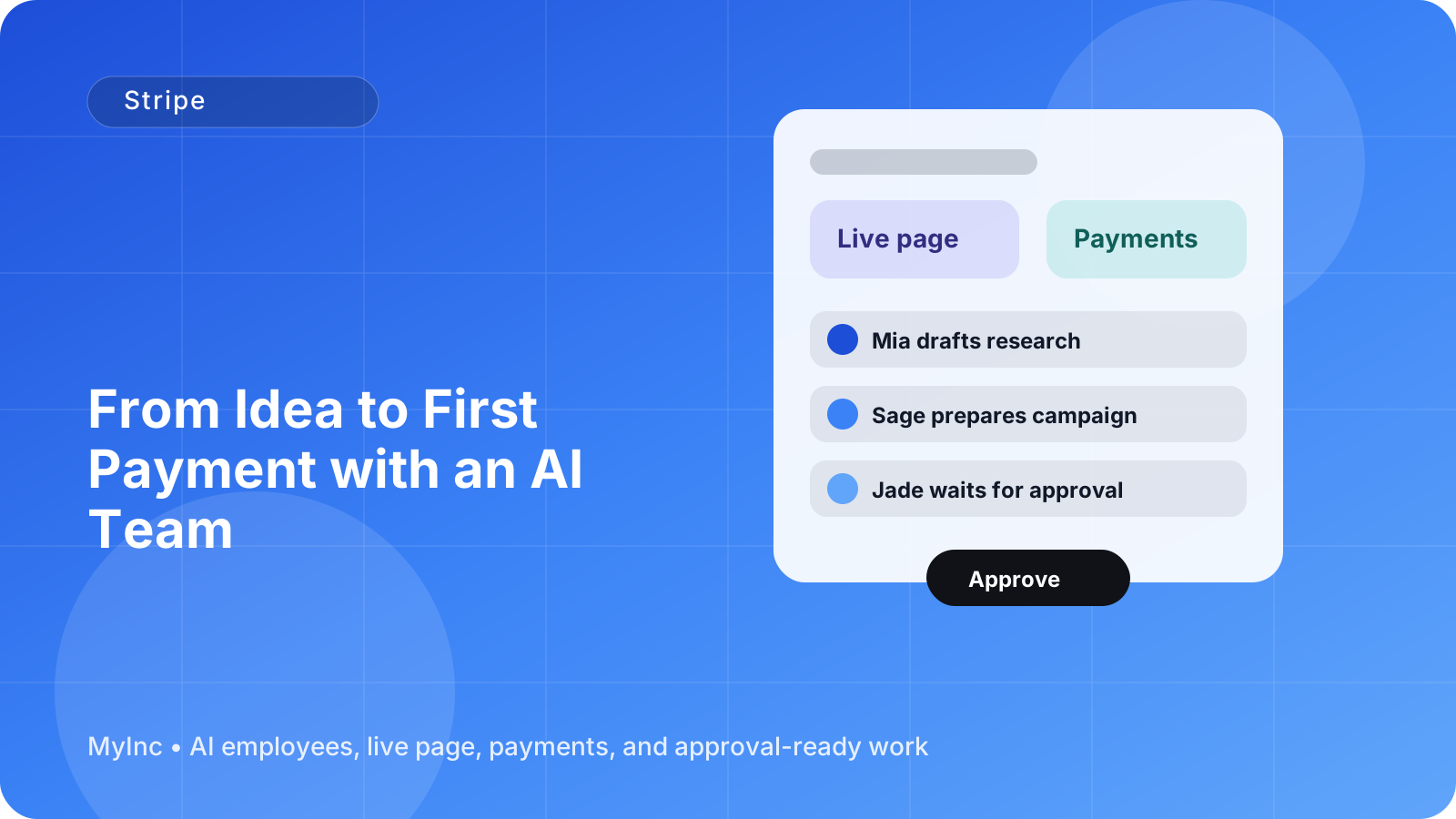
The AI team should prepare the work for your review, not quietly publish or charge customers without your approval. You remain in control of the final Stripe connection, pricing, and launch.
Start with one easy-to-buy offer
Your first payment does not require a catalog, complicated package structure, or a dozen pricing tiers. It requires a clear answer to one question:
What does the customer get, and what result does it help them achieve?
A useful first offer can be:
- A 60-minute consulting session for a founder who needs a launch plan.
- A fixed-price logo and brand review for a small business.
- A resume or portfolio rewrite for job seekers.
- A paid workshop for creators learning a specific skill.
- A three-day audit of a company’s website, sales funnel, or marketing.
- A downloadable template bundle with a short setup call.
- A monthly service with a defined starting scope.
Avoid vague descriptions such as “business help” or “marketing support.” Make the first offer specific enough that a buyer can recognize it immediately.
For example:
- Weak: “I help businesses with marketing.”
- Stronger: “A 90-minute marketing review with three prioritized actions and revised homepage copy.”
The second version is easier to price, explain, buy, and deliver.
What an AI team can do before you touch Stripe
An AI team is not a mysterious button that makes business decisions for you. Think of an AI teammate as a reliable colleague who reads your business context, drafts real work, and waits for your approval before anything goes out.
A chief of staff AI agent can help organize the decisions. A marketing or content AI agent can turn those decisions into clear customer-facing copy. A launch AI agent can assemble the pieces into a practical go-live checklist.
Start by giving the team a short brief:
- What you do and who you help.
- The problem your customer has.
- What you can deliver confidently this month.
- How long delivery will take.
- Any limits, exclusions, or refund rules.
- A rough price range, if you have one.
Then ask for three offer options: a simple starter offer, a more complete offer, and a recurring option if one makes sense. Ask the AI team to explain the trade-offs in plain language.
You might receive recommendations such as:
- Starter: a 45-minute strategy call for $150.
- Core: a strategy call plus a written action plan for $300.
- Ongoing: monthly advisory support for $500.
You do not have to use all three. The point is to make your decision easier and avoid building a complicated pricing system before you have customer feedback.
A beginner-friendly Stripe workflow
Once you have chosen the offer, use this workflow to prepare your first payment.
1. Confirm the offer details
Write down the exact product or service name, price, currency, delivery timeline, and what is included. Decide whether the price is a one-time payment or a subscription.
Also decide what is not included. For example, a website audit may include a written report but not implementation. Clear boundaries prevent confusion later.
2. Create the Stripe product and price
In Stripe, create a product that matches the offer. Add a clear description and select the correct price type:
- One-time payment for a project, session, workshop, or digital product.
- Recurring payment for a membership, retainer, or subscription.
Your AI teammate can prepare the product name, description, amount, billing interval, and internal notes. You should verify the currency, tax settings, refund policy, and business details inside Stripe before activating anything.
Never paste secret Stripe API keys or other sensitive credentials into a chat. Use Stripe’s secure connection or integration flow. The AI team can guide you through the setup and prepare the content, while you handle sensitive authorization and approve the final configuration.
3. Prepare a checkout link
A checkout link should remove questions, not create more of them. The copy should briefly explain:
- What the buyer is purchasing.
- Who it is for.
- What they receive.
- When they receive it.
- The total price and billing frequency.
- What happens after payment.
For a consultant, that might read:
Website Conversion Review — $250 one-time payment Get a recorded review of your homepage and signup flow, plus a prioritized list of five improvements. Your review will be delivered within five business days. After payment, you will receive a short intake form and a scheduling link.
Your AI content teammate can draft several versions of this copy for your live page, email, and Stripe checkout. You choose the version that sounds like you.
4. Write the payment confirmation
The customer should not wonder whether the payment worked or what happens next. Prepare a confirmation message before launch.
A useful confirmation includes:
- A thank-you message.
- The name of the purchase.
- A receipt or payment reference handled by Stripe.
- The next action for the customer.
- Your expected delivery date.
- A support email address.
Example:
Thanks for booking the Website Conversion Review. Your payment is confirmed. Please complete the intake form at the link below so I can review your goals and current page. You will receive your recorded review and action plan within five business days. Questions? Email hello@example.com.
Your AI team can draft the confirmation email, a post-payment page, and a follow-up reminder if the customer has not completed the intake form.
5. Test the complete journey
Before sharing the link publicly, walk through the experience as if you were a customer. Check the offer page, checkout, confirmation, email address, intake form, calendar link, and delivery promise.
Use Stripe’s test mode where appropriate, and verify the live settings before accepting real money. Ask a trusted person to read the page and answer these questions:
- What do you think you are buying?
- How much will you pay?
- What happens after payment?
- What would make you hesitate?
An AI launch teammate can turn the answers into a final checklist, but you should personally approve the payment amount and the customer-facing promises.
A practical “first payment” checklist
Use this checklist today:
- [ ] Choose one specific offer.
- [ ] Define the result, scope, price, and delivery time.
- [ ] Decide whether it is one-time or recurring.
- [ ] Create or review the Stripe product and price.
- [ ] Check your business and payout details in Stripe.
- [ ] Draft the checkout description.
- [ ] Add your refund, cancellation, or rescheduling terms.
- [ ] Write the payment confirmation message.
- [ ] Add the next step: intake form, calendar, download, or email.
- [ ] Test the journey before sharing the link.
- [ ] Send the offer to a small, relevant audience.
Do not wait until every page, automation, and brand asset is perfect. A focused first offer gives you information that planning alone cannot provide.
Common mistakes to avoid
Offering too many choices. Multiple packages can sound professional, but they often slow down a first buyer. Start with one clear option and add alternatives when customers ask for them.
Hiding the price. If the offer is straightforward, showing the price builds trust and saves unnecessary back-and-forth. If the price depends on scope, show a starting price and explain what determines the final quote.
Promising delivery without checking capacity. An AI teammate can write an attractive promise, but you must confirm that you can deliver it on time.
Skipping the after-payment experience. A successful charge is only the beginning. The buyer needs a clear next action and a way to contact you.
Connecting payments without reviewing permissions. Payment tools are sensitive. Use secure integrations, protect credentials, and approve every live payment setting yourself.
FAQ
Do I need a website before I can accept a payment?
No. You can begin with a simple live page and a Stripe payment link. Your page should explain the offer, price, and next step clearly. A full website can come later.
Can an AI team set up Stripe without my involvement?
The AI team can prepare the product details, pricing options, checkout copy, confirmation messages, and setup checklist. You should still authorize the Stripe connection, review sensitive settings, and approve anything that will charge customers or be published.
What should I sell first if I have several ideas?
Choose the offer that is easiest to explain, deliver, and improve with customer feedback. A defined service, workshop, audit, or consultation is often a faster first sale than a large product that requires months of preparation.
Turn payment setup into a repeatable system
The first payment is not just revenue. It teaches you which message attracts attention, which questions buyers ask, and where customers need more guidance. Keep notes after each sale and ask your AI team to improve the offer, checkout copy, confirmation flow, and follow-up based on what you learn.
This is where having an AI team becomes especially useful. Instead of starting from a blank page each time, you can ask your AI teammates to remember your business context, prepare the next version, and organize the work for approval.
MyInc.app is built to help founders do exactly that. Its AI team can help solve three payment-launch problems:
- Unclear offers: the team helps turn a broad idea into a specific service, product, or subscription with clear pricing and scope.
- Intimidating Stripe setup: it prepares product details, checkout copy, payment-link requirements, and a review checklist so you know what to configure.
- Unfinished customer follow-up: it drafts payment confirmations, intake instructions, delivery messages, and launch communications so buyers know what happens next.
Ready to stop running your company alone? Start MyInc.app for free and let the AI team take this exact work off your plate. MyInc.app gives you a chief of staff plus launch, marketing, social, and content AI teammates that build your page, prepare the work, and wait for your approval before anything goes out.